There are no items in your cart
Add More
Add More
| Item Details | Price | ||
|---|---|---|---|


Master the art of digital jewellery rendering with Procreate!
Instructor: Swasti Garg | Language: English | Course Access: 12 months | Feedback: Mon-Sat 9.00 AM - 7.00 PM IST
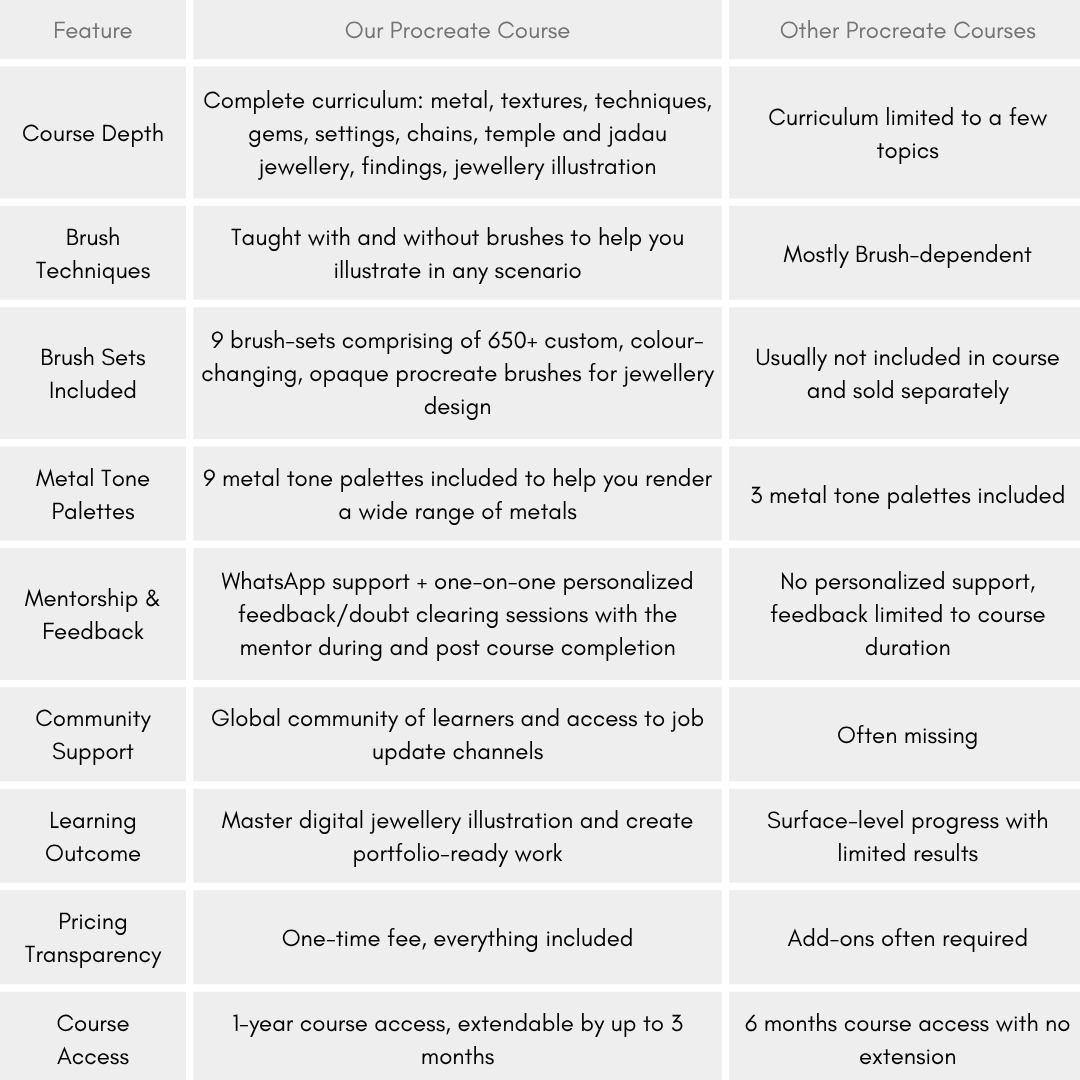
Hi, I’m Swasti, your mentor for this course! During my research, I discovered that most Procreate courses focus solely on teaching jewelry illustration using custom brushes. While useful, this approach often leaves learners feeling stuck when they need to illustrate or render something entirely new. That’s why I’ve carefully designed this course to help you truly master the art of digital jewelry illustration on Procreate. This course teaches you how to render various jewelry elements—including surfaces, textures, techniques, gems, settings, clasps and chains—both with and without custom brushes. While our custom brush sets will speed up your rendering process, the techniques taught to render different elements of jewellery from start to end will empower you to become an independent illustrator capable of creating anything new without feeling restricted by the tools at hand.
Post enrollment, you will also receive my WhatsApp number where you can clear all your course related doubts and receive feedback on your work. So enroll today to learn how to create stunning jewellery illustrations on your iPad or iPhone using the Procreate or Procreate Pocket app. Also, get lifetime access to our bonus custom procreate brush sets, exclusively designed by us to help you illustrate jewellery quicker and better.
Course includes lifetime access to 10 bonus procreate jewellery brush sets to illustrate and render:
9 widely used metal tone palettes for Procreate, Rulers for measurements, Necklace and bangle grids
Tools required for this course:
Learn at your own pace and connect to Swasti whenever you have a doubt or need feedback on your work.
What makes our jewellery design courses different?
Clear all your doubts and receive feedback on your work by talking to Swasti Garg over call, WhatsApp text, voice note or video call
Learn each topic in detail with guided lessons, worksheets and clear explanations.
Learn with clarity, unlike live classes with poor resolution, blurred details, limited mentorship and network interruptions
Watch and learn, anytime, anywhere from the comfort of your home
Design a stellar jewellery design portfolio with Swasti's assistance
Join the jewellery industry as a confident jewellery designer or start your own brand
So enroll today to digitally illustrate all your beautiful jewellery designs!
Learn comfortably hassle-free, anytime and anywhere, chat/call with Swasti, and get your doubts cleared.
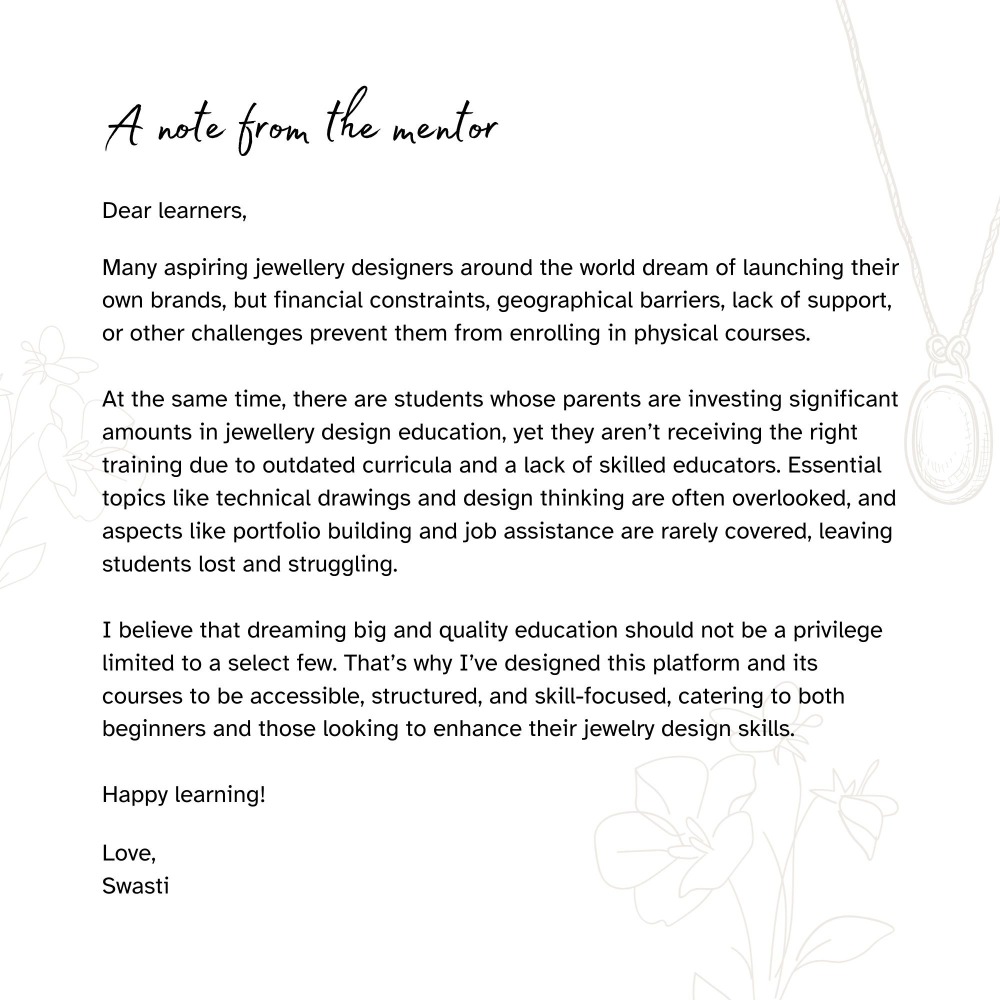
Our curriculum is designed by global jewellery designer and educator, Swasti Garg, to make sure you get the best learning experience.
Get access to our global job community build to help jewellery designers be up to date with the jewellery industry and the job opportunities within.
Stuck on something? Discuss it with your peers and the instructors in the inbuilt chat groups.
Flaunt your skills with course certificates, and get placed